Our own team kept losing evenings to it. Someone would write a lovely lesson, then spend four hours wrestling with a video editor to turn it into something a class would watch. Multiply that by every topic in a curriculum and you can see the problem. So we built the thing we wanted.
Start with what you already have
You do not start from a blank page. You upload what exists: a PDF, a lesson plan, a chapter, a curriculum document that has not been opened since 2019. The tool reads it and proposes a storyboard. Scene by scene, with narration, in the order a lesson actually needs to go. You are editing something, not inventing something, and that is a much easier job.
Upload what you already have instead of starting from scratch.
Change one scene without breaking the rest
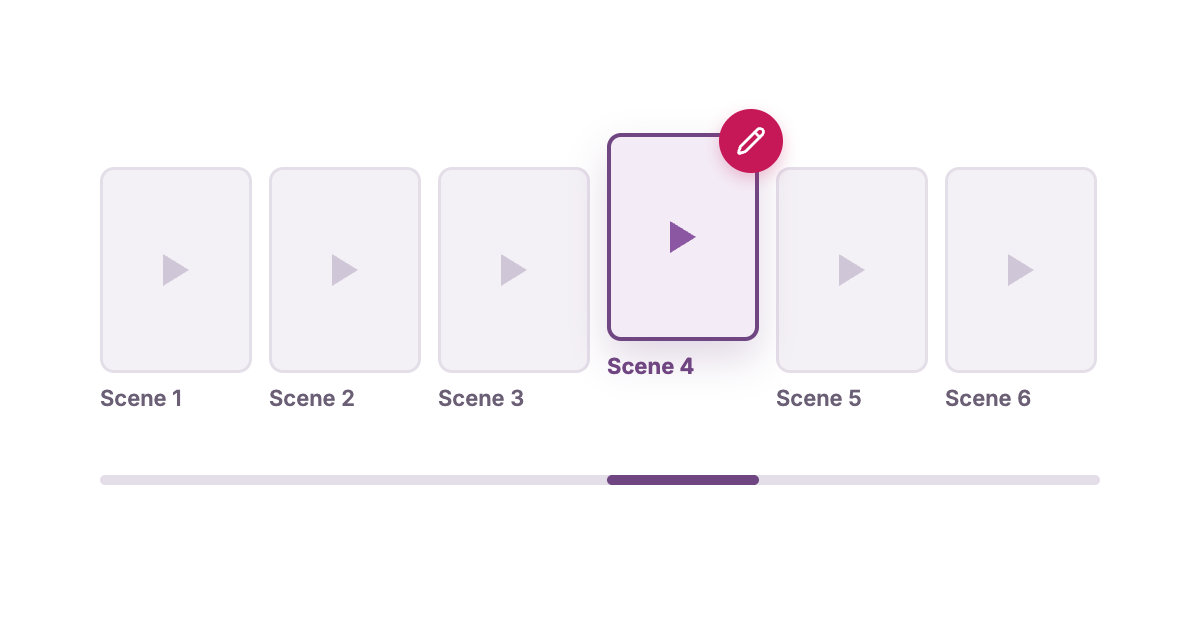
This is the bit that matters and the bit most tools get wrong. If scene four is off, you fix scene four. The other scenes stay exactly as they were. Anyone who has used a generator that regenerates the whole video every time you touch it knows why this is not a small detail. It is the difference between a tool you use and a tool you try once.
It has to land where you already work
Export to MP4 if you want the file. Export to PowerPoint if your lesson lives in slides. Push it straight into Google Classroom if that is where your class is. A video that needs three conversions and a USB stick before a child sees it is not finished.
What it is not
It is not a replacement for a teacher explaining something well. It is a replacement for the four hours of editing between having the idea and being able to show it. It also will not make a bad lesson good. If the source material is thin, the video is thin. That is a feature, not a bug.
Try it and tell us what breaks
BrainBite Video is live. Upload something real, not a test document, and see what comes out. Then tell us what is missing. The most useful feedback we get is always from someone who tried to use it for an actual lesson next week and hit a wall.
Take these with you
- 1Upload what you already have instead of starting from scratch.
- 2Edit a single scene without regenerating the whole video.
- 3Export to MP4, PowerPoint or straight into Google Classroom.
- 4It saves the editing hours, not the thinking.